

Looking for a fast, portable, and reliable external storage drive that keeps up with your lifestyle? The Samsung T7 Portable SSD remains one of the most popular choices on the market—and for good reason.
With speed ratings up to 1,050MB/s, a sleek aluminum shell, and broad compatibility across devices, the T7 promises to accelerate everything from gaming to 4K video editing. But with newer, faster SSDs now available—like the Samsung T9 and rugged T7 Shield—is the standard T7 still worth buying in 2025?
This updated in-depth review breaks down the T7’s real-world performance, strengths, weaknesses, ideal users, and how it compares to other drives in 2025.
Introduction to the Samsung T7 Portable SSD
The Samsung T7 Portable SSD is designed for users who need a lightweight, durable, and high-speed storage device.
Whether you’re a student transferring large projects, a gamer expanding console storage, or a professional managing heavy workloads on the go, the T7 delivers a solid blend of speed and portability.
Despite newer releases in Samsung’s lineup, the T7 remains a compelling choice thanks to its reliability, compact design, and excellent value.
Overview and Purpose of the Samsung T7
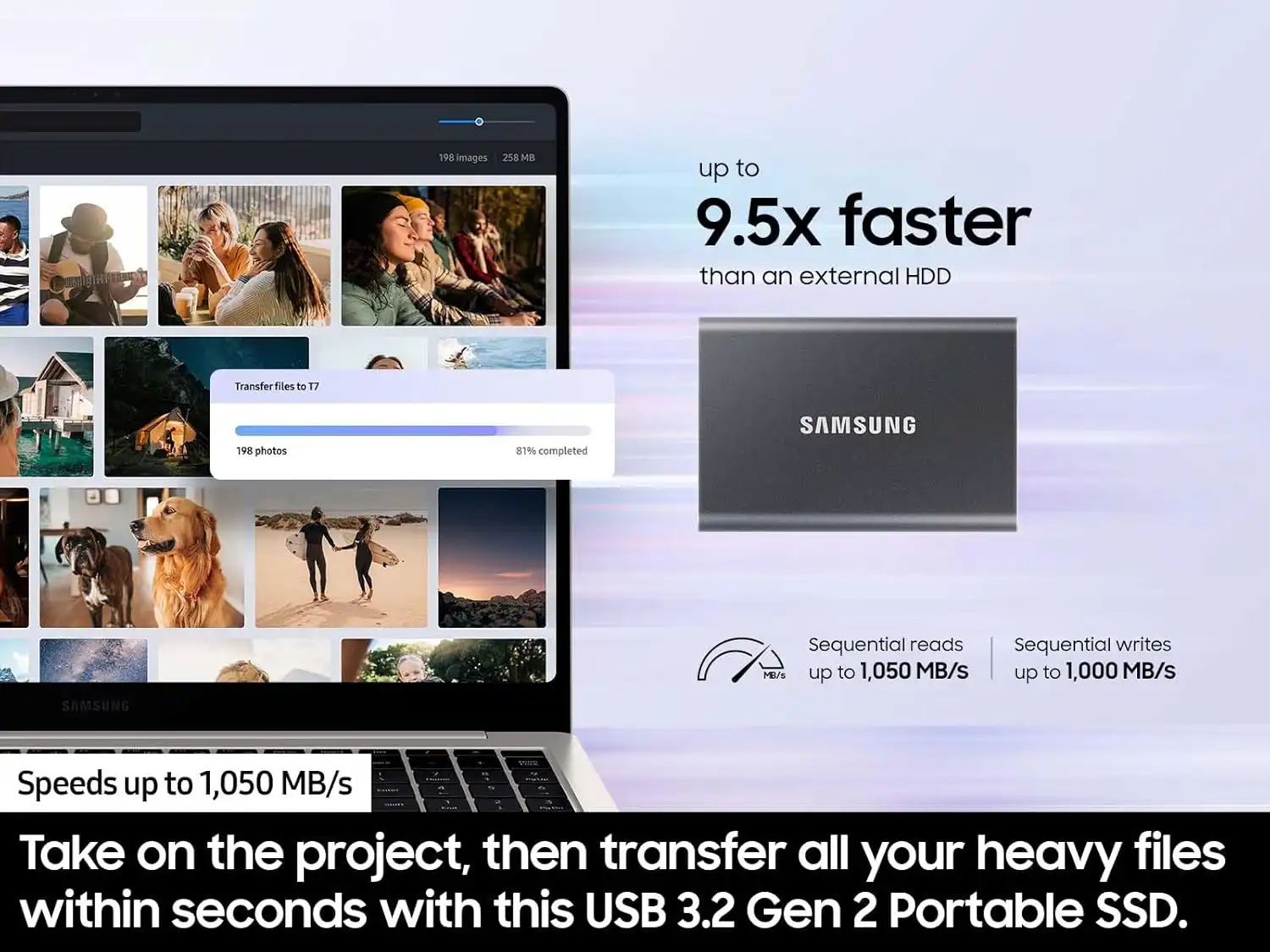
The T7 uses USB 3.2 Gen 2 (10Gbps) technology with PCIe NVMe SSD internals, enabling:
Up to 1,050MB/s read speeds
Up to ~900MB/s write speeds (before throttling)
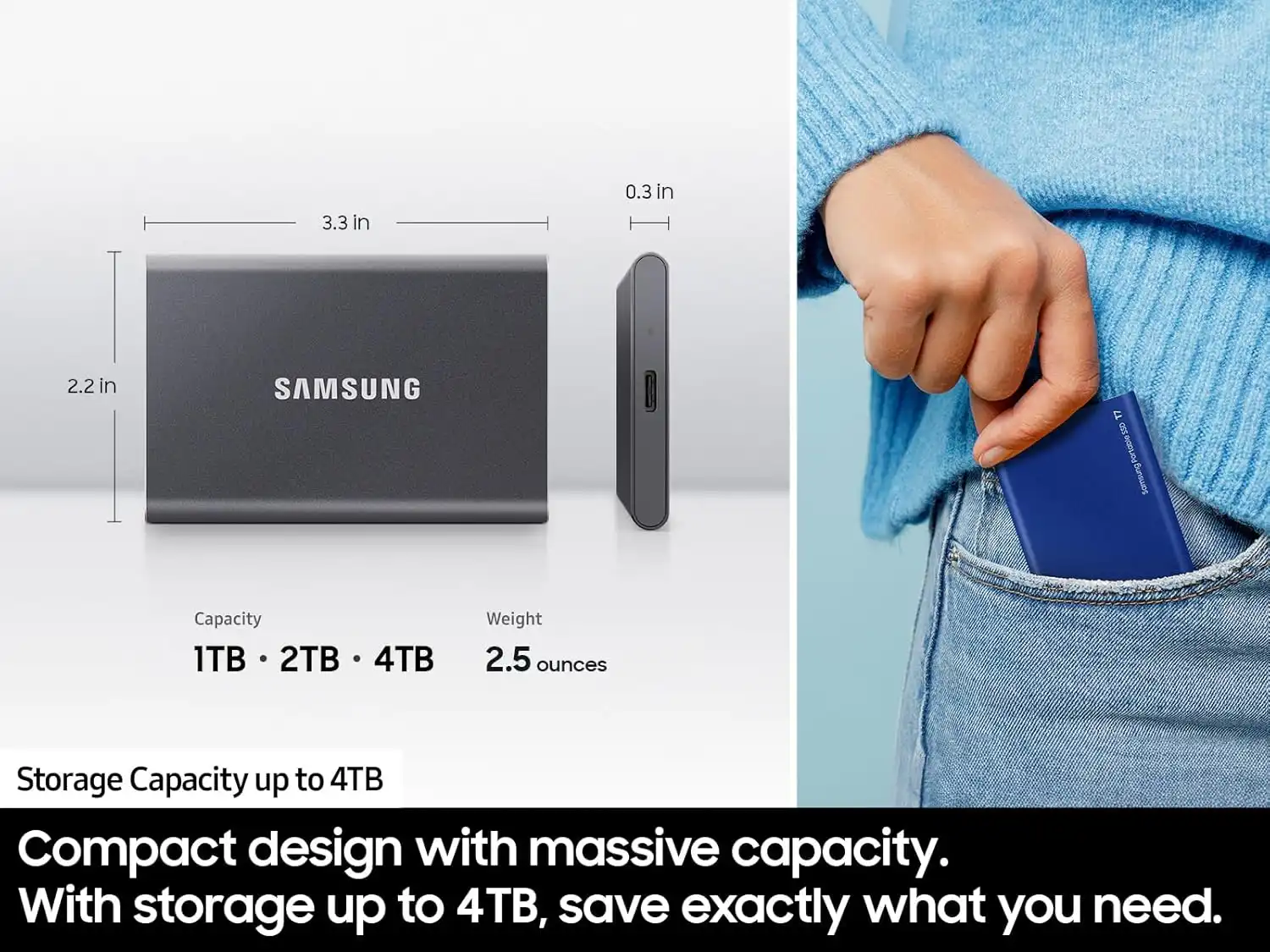
Capacities of 500GB, 1TB, and 2TB
AES 256-bit hardware encryption
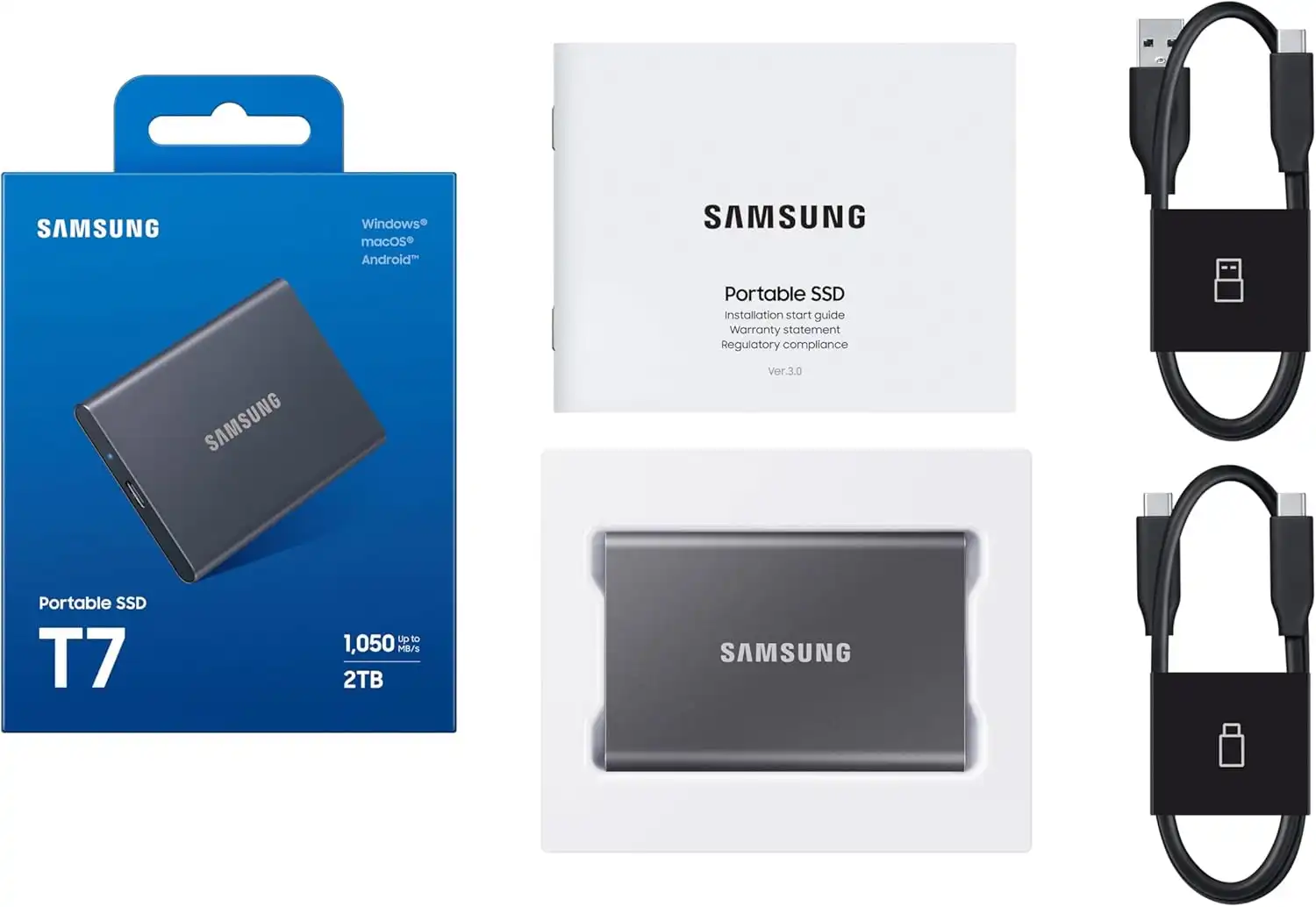
Metal aluminum construction rated for 2-meter drop resistance
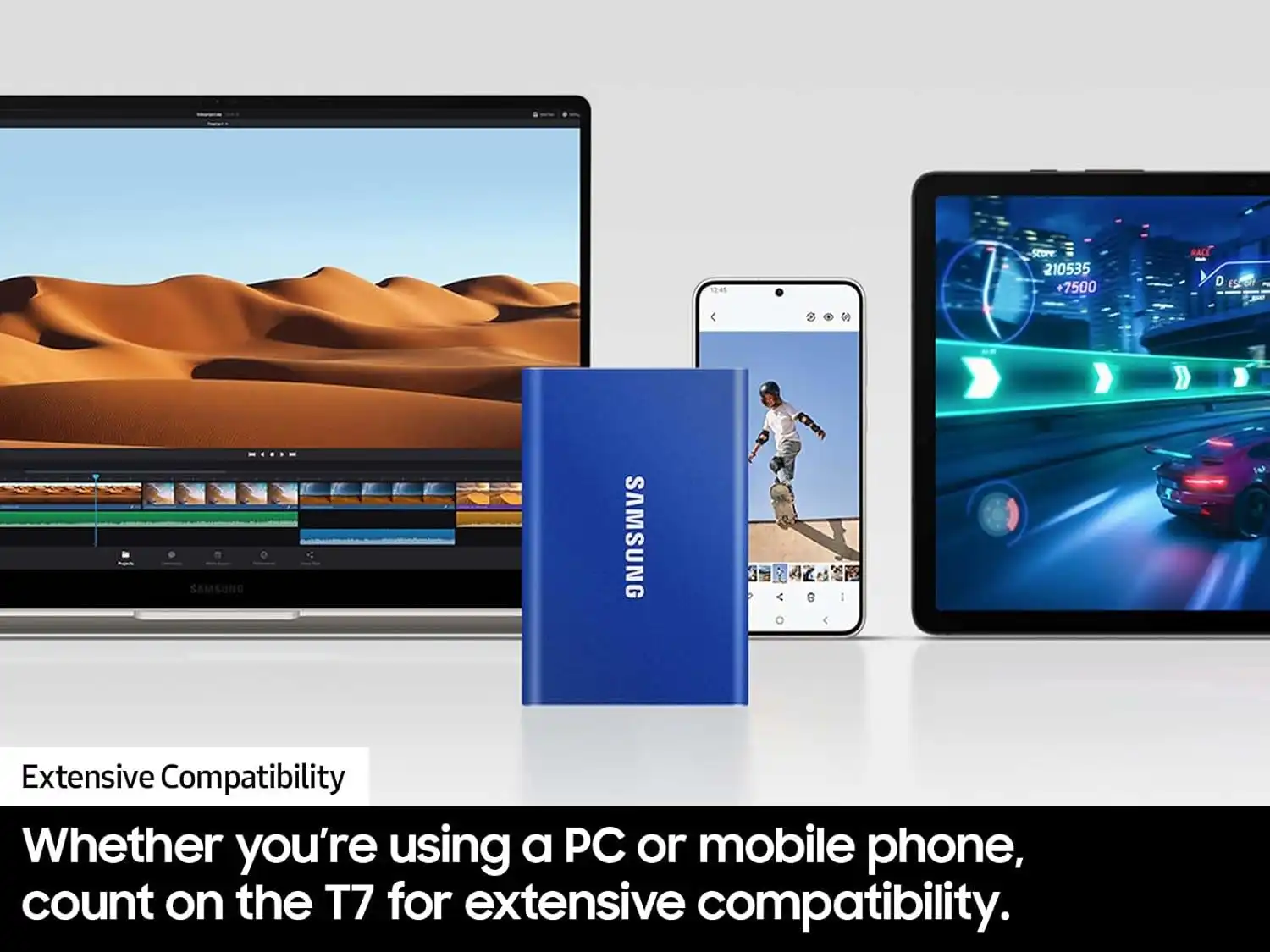
Compatibility with Windows, macOS, Android, Linux, and game consoles
With a footprint about the size of a credit card, it appeals to anyone needing a blend of durability, portability, and speed.
Who the Samsung T7 Is Designed For
Gamers
Expand storage for PS5 and Xbox (with limitations—PS5/Xbox Series X titles cannot be played directly from the drive).
Faster load times compared to HDDs.
Portable game library for travel.
Students
Quick backups of documents, media, and class projects.
Simple plug-and-play functionality.
Professionals
Fast offloading of large RAW photos, 4K footage, and design files.
Encryption for sensitive client data.
Travelers & Everyday Users
Rugged metal body withstands drops and daily wear.
Lightweight enough to carry in a pocket or small pouch.
Key Features and What They Mean for You
1. Compact, Lightweight, and Durable Aluminum Build
The T7’s aluminum body keeps it extremely portable while offering drop resistance up to 2 meters. Unlike bulkier rugged drives, the T7 achieves durability while maintaining a premium, minimalist look.
Available colors include:
Indigo Blue
Titan Gray
Metallic Red
2. NVMe Technology for High-Speed Transfers
With NVMe internals paired with USB 3.2 Gen 2, the T7 achieves:
| Operation | Real-world speed |
|---|---|
| Sequential Read | Up to 1,050MB/s |
| Sequential Write | 700–900MB/s before throttling |
This makes it ideal for:
Transferring videos and large project folders
Running apps from external storage
Fast backups of mobile devices or cameras
Note: During very long transfers, the drive may heat up and slow down—that’s normal for this model.
3. Hardware Encryption for On-the-Go Data Protection
The T7 includes optional AES 256-bit encryption accessible via Samsung Portable SSD software.
This is a key safety feature for:
Business files
Financial data
Sensitive documents or media
The encryption does not impact performance noticeably.
Read: Sony WH-1000XM4 Wireless Premium Noise Canceling Headphones Review
4. Broad Compatibility—from Laptops to Smartphones
The Samsung T7 works with nearly any modern device:
| Device | Result |
|---|---|
| Windows / macOS | Fast plug-and-play file transfers |
| Android phones | Works with USB-C for backups and media |
| iPhone 15 | Compatible via USB-C |
| PS5 / Xbox Series X | Can store—but not run—next-gen games |
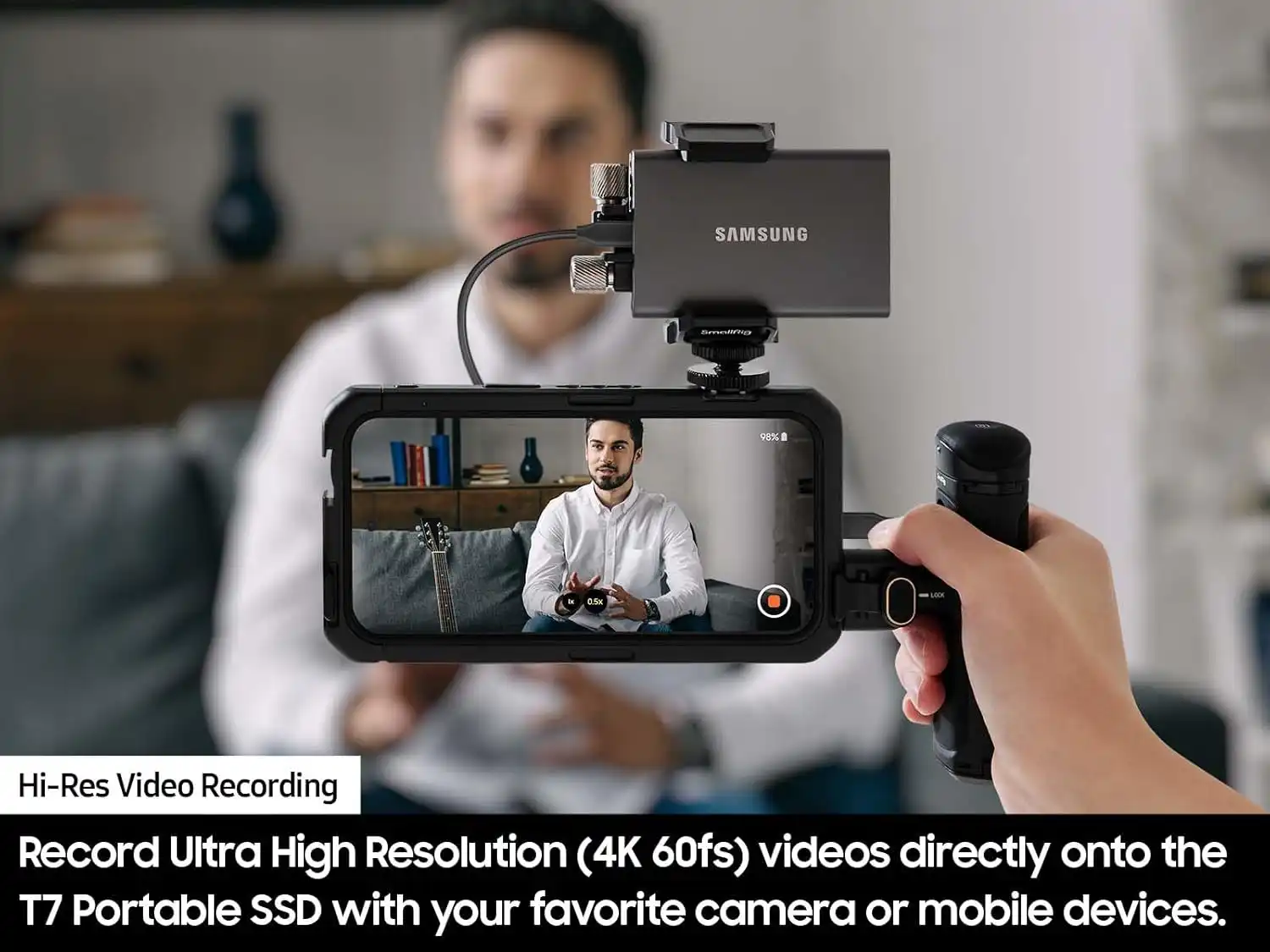
| Cameras (select models) | Works for direct offloading |
Samsung includes both:
USB-C to USB-C
USB-C to USB-A
No adapters needed.
Samsung T7 Real-World Performance
1. Read & Write Speeds
In day-to-day use, users can expect:
950–1,050MB/s read
650–900MB/s write
However, sustained writes (e.g., 50GB+ transfers) may fall to 300–600MB/s due to thermal throttling and cache exhaustion.
2. Sustained Performance vs Competitors (Updated for 2026)
| Model | Real sustained writes | Notes |
|---|---|---|
| Samsung T7 | 300–600MB/s | Can throttle during long transfers |
| Samsung T7 Shield | 600–900MB/s | Better thermals, rugged |
| Samsung T9 | 1,800–2,000MB/s | Much faster for pro workflows |
| Crucial X9 Pro | ~900MB/s | Very stable sustained writes |
| SanDisk Extreme PRO | ~1,900MB/s | Fastest in this price tier |
The T7 remains solid, but no longer top-tier.
3. Handling Intensive Tasks
Performance is excellent for:
Editing 1080p/4K video directly from the drive
Running apps or game emulators
Fast creation of system backups
Storing photo catalogs (Lightroom, Capture One)
For very heavy professional workloads (8K RAW, large multicam timelines), the Samsung T9 or a Thunderbolt SSD is recommended.
Updated Pricing & Value (2026)
Typical prices on Amazon:
| Capacity | Price Range |
|---|---|
| 500GB | $60–$80 |
| 1TB | $90–$110 |
| 2TB | $140–$180 |
These prices make the T7 one of the best mid-range portable SSD values available today.
Read: Amazon Echo Dot Review
Samsung T7: Pros & Cons Based on User Experience
Pros
Very fast for everyday tasks
Durable metal body with premium feel
Compact enough for pockets
Strong security with AES 256-bit encryption
Includes both USB-C and USB-A cables
Great performance-to-price ratio
Excellent for students, travelers, office use, and general workloads
Cons
Thermal throttling during long file transfers
Not water/dust resistant (unlike T7 Shield)
Cannot run PS5 or Xbox Series X titles directly
Write speeds drop over time on multi-GB batch transfers
Some fake units sold by third-party sellers—buy from trusted stores only
Common Issues & How to Fix Them
1. Drive Not Recognized
Try:
Switching USB ports
Using the included Samsung cable
Updating drivers
Reinstalling Samsung Portable SSD software
2. Overheating
This is normal, but you can minimize it by:
Avoiding long continuous transfers
Keeping the drive in open airflow
Using the T7 Shield if you work with large files frequently
3. Slow Speeds
Check:
Device supports USB 3.2 Gen 2
Using USB-C, not USB-A if possible
Drive isn’t at full capacity (SSD performance drops when nearly full)
Ideal Users & Usage Scenarios
Creative Professionals
Great for 1080p/4K editing
Fast photo catalog loading
Secure client data storage
Not ideal for heavy 6K/8K production (consider Samsung T9)
Gamers
Fast load times for last-gen games
Excellent drive for Xbox One, PS4, Switch
Storage only for PS5/Xbox Series X|S next-gen games
Travelers & Outdoor Use
Compact, lightweight
Durable metal body
For rugged protection, choose T7 Shield
Students & Everyday Users
Perfect size for school bags and pockets
Fast backups and file transfers
Affordable and reliable long-term storage
Samsung T7 vs T7 Shield vs T9 (Which Should You Buy?)
| Feature | T7 | T7 Shield | T9 |
|---|---|---|---|
| Read/Write | Up to 1,050MB/s | Up to 1,050MB/s (more stable) | Up to 2,000MB/s |
| Build | Metal | Rubber rugged IP65 | Metal |
| Best For | Everyday use | Outdoor/field work | Professional editing |
| Heat Handling | Good | Excellent | Excellent |
| Price | Low | Mid | High |
Final Verdict: Is the Samsung T7 Still Worth It in 2026?
Yes — absolutely.
The Samsung T7 remains one of the best mid-range portable SSDs for students, professionals, gamers, and everyday users who need reliable, fast, and portable storage.
Choose the Samsung T7 if:
You want the best speed for the price
You need a slim, pocket-friendly SSD
You work with moderate-sized files (not long 6K/8K workflows)
You want built-in encryption & durability
You value Samsung’s reliability and warranty
Skip it and choose T7 Shield or T9 if:
You need rugged protection
You work with massive video files
You require top-tier sustained performance

– is a trusted tech reviewer who dives deep into the world of computing, home appliances, TVs, digital gear, and software lifetime deals. With a sharp eye for performance and value, he helps readers and buyers make smarter decisions through honest, data-driven reviews. Whether it’s the latest gaming rig, a must-have productivity tool, or a hidden lifetime deal gem, Billy breaks it all down—so you get the best tech without the guesswork.
