

The ASUS Chromebook Flip CX1 (CX1400FKA-AS88F) is a practical 2-in-1 convertible built for students, casual users, and anyone who needs an affordable machine for daily tasks. It offers a 14-inch Full HD touchscreen, a flexible 360-degree hinge, 8GB RAM, 128GB storage, and a quad-core Intel N6000 processor.
This ASUS Chromebook Flip CX1 Review: Affordable 14″ touchscreen 2-in-1 with N6000, 8GB RAM, 128GB storage, and long battery life. Great for students. breaks down real performance, updated 2025 specs, new ChromeOS improvements, and how it compares to budget Windows laptops.
Key Specs (2025 Updated)
| Feature | ASUS Chromebook Flip CX1 Specs |
|---|---|
| Model | ASUS Chromebook Flip CX1 – CX1400FKA-AS88F |
| Display | 14″ Full HD (1920×1080) IPS NanoEdge Touchscreen |
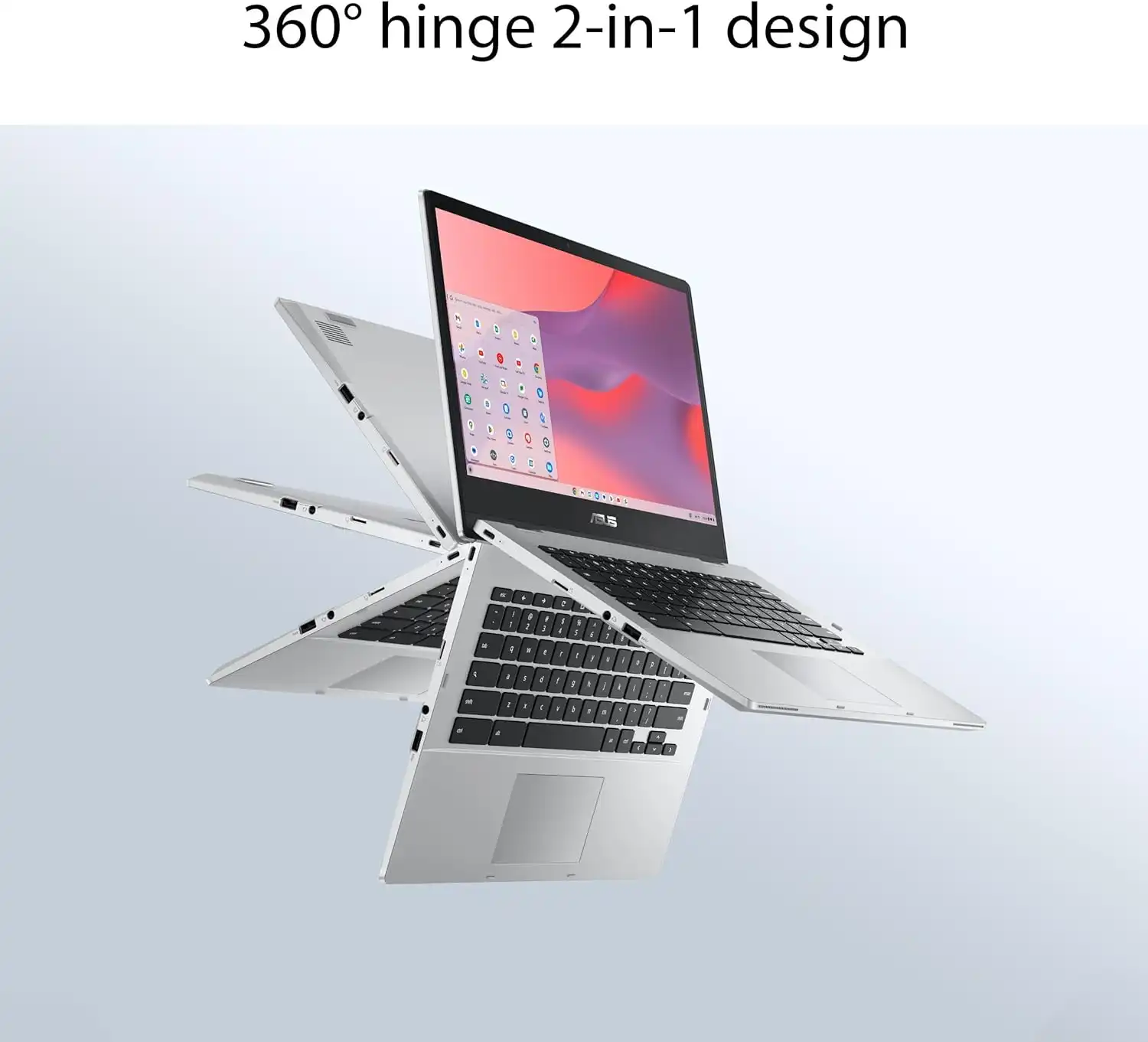
| Touch Support | 360-degree convertible hinge (Laptop / Tablet / Tent / Stand) |
| Processor | Intel Celeron N6000, 4-Core |
| RAM | 8GB |
| Storage | 128GB eMMC |
| Operating System | ChromeOS (2025 update) |
| AI Features | Free 3-month Google One AI Premium Plan |
| Webcam | 1080p HD camera |
| Wireless | Wi-Fi 6 + Bluetooth 5.2 |
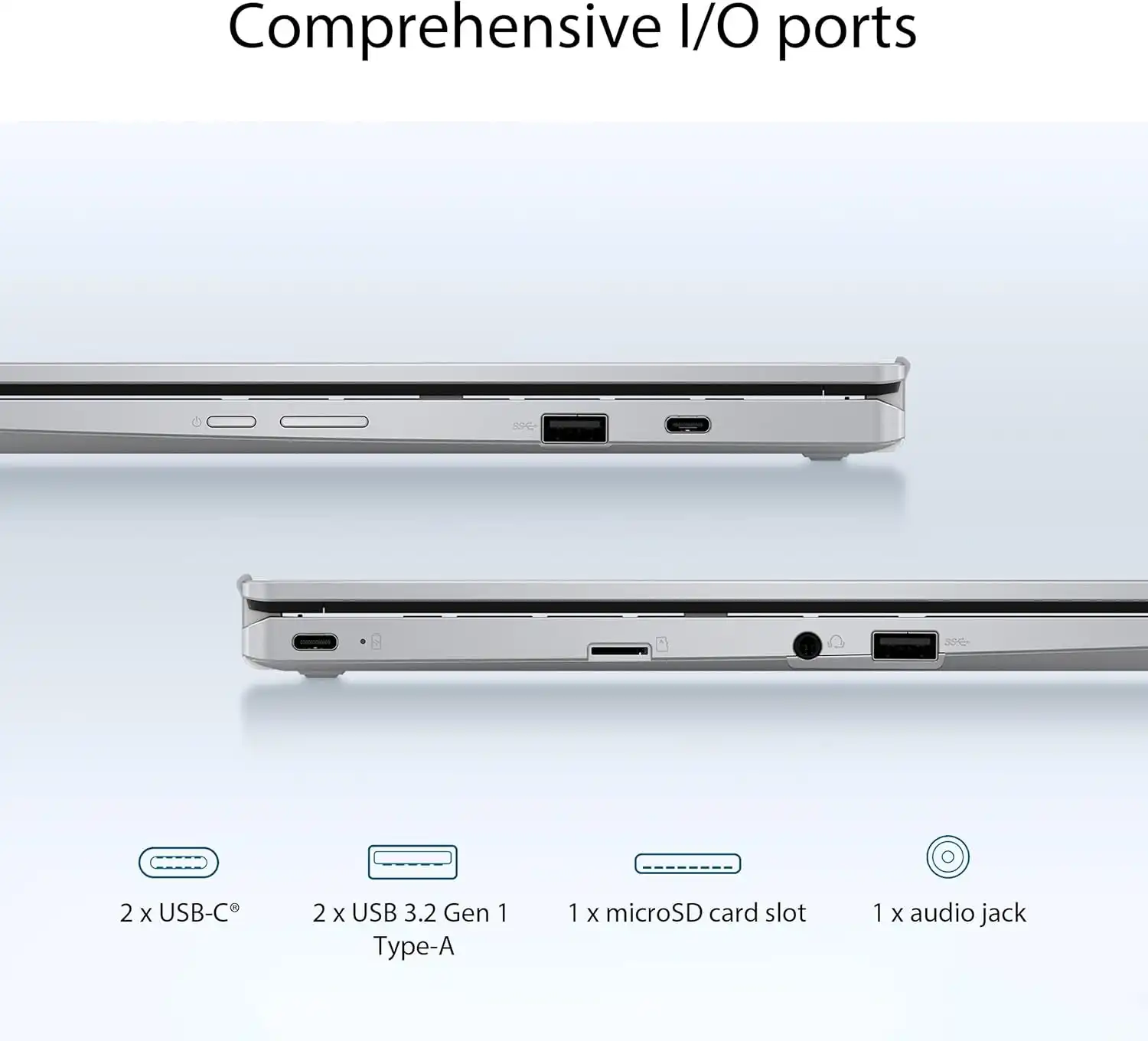
| Ports | USB-C (x2), USB-A, 3.5mm audio jack |
| Battery Life | Up to 10 hours |
| Weight | 4.54 lbs |
| Dimensions | 9.01 × 0.73 × 12.85 inches |
| Color | Transparent Silver |
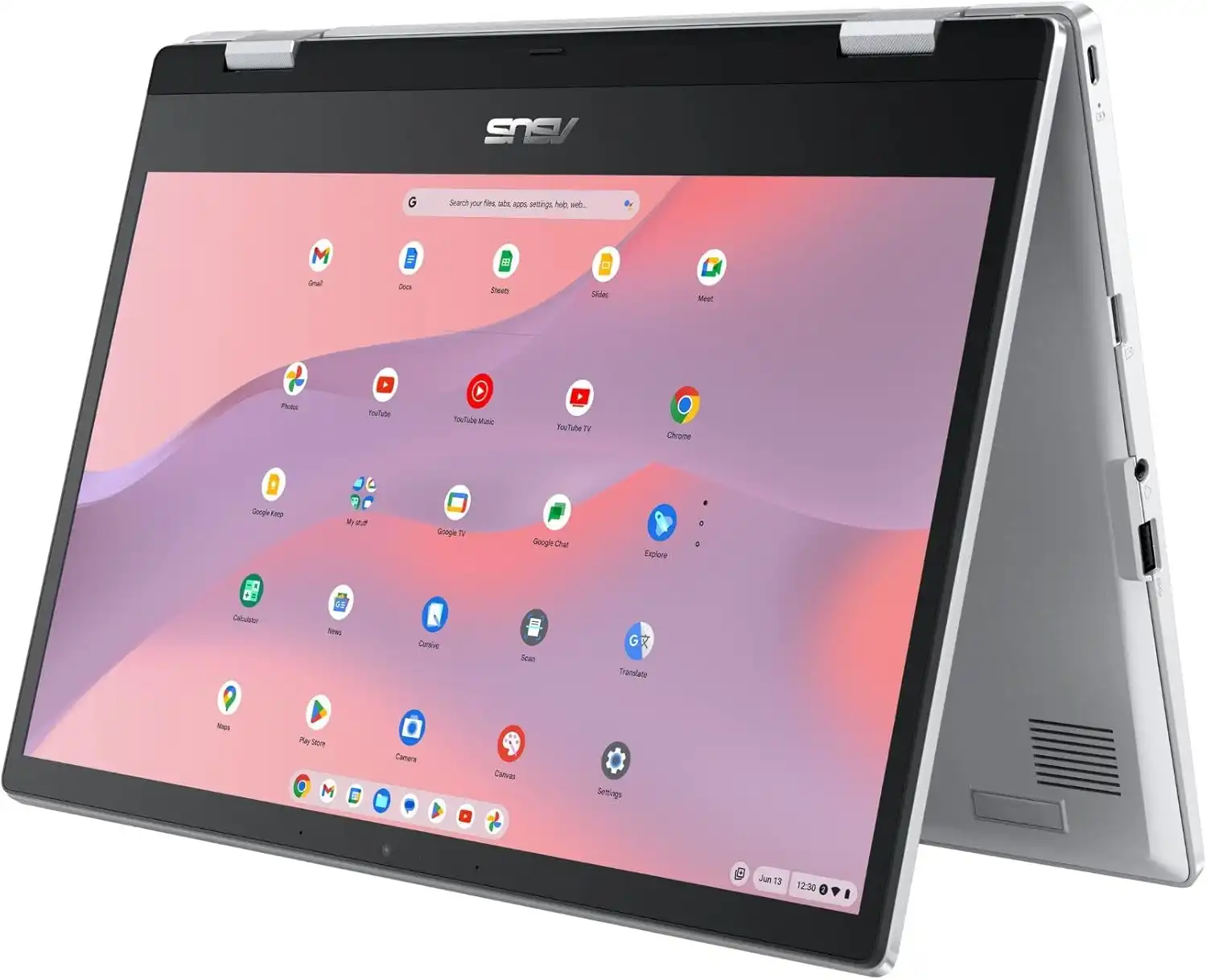
Design and Build Quality: ASUS Chromebook Flip CX1 Review
The Flip CX1 has a slim, modern look with a narrow-bezel design that makes the 14-inch screen feel larger. Its 360-degree hinge allows quick switching between laptop, tablet, tent, and stand modes. This flexibility helps students use it in class, at home, and while traveling.
The Transparent Silver finish feels simple and clean. The weight (4.54 lbs) is manageable for backpacks, and the chassis is strong enough for daily use.
Display Quality
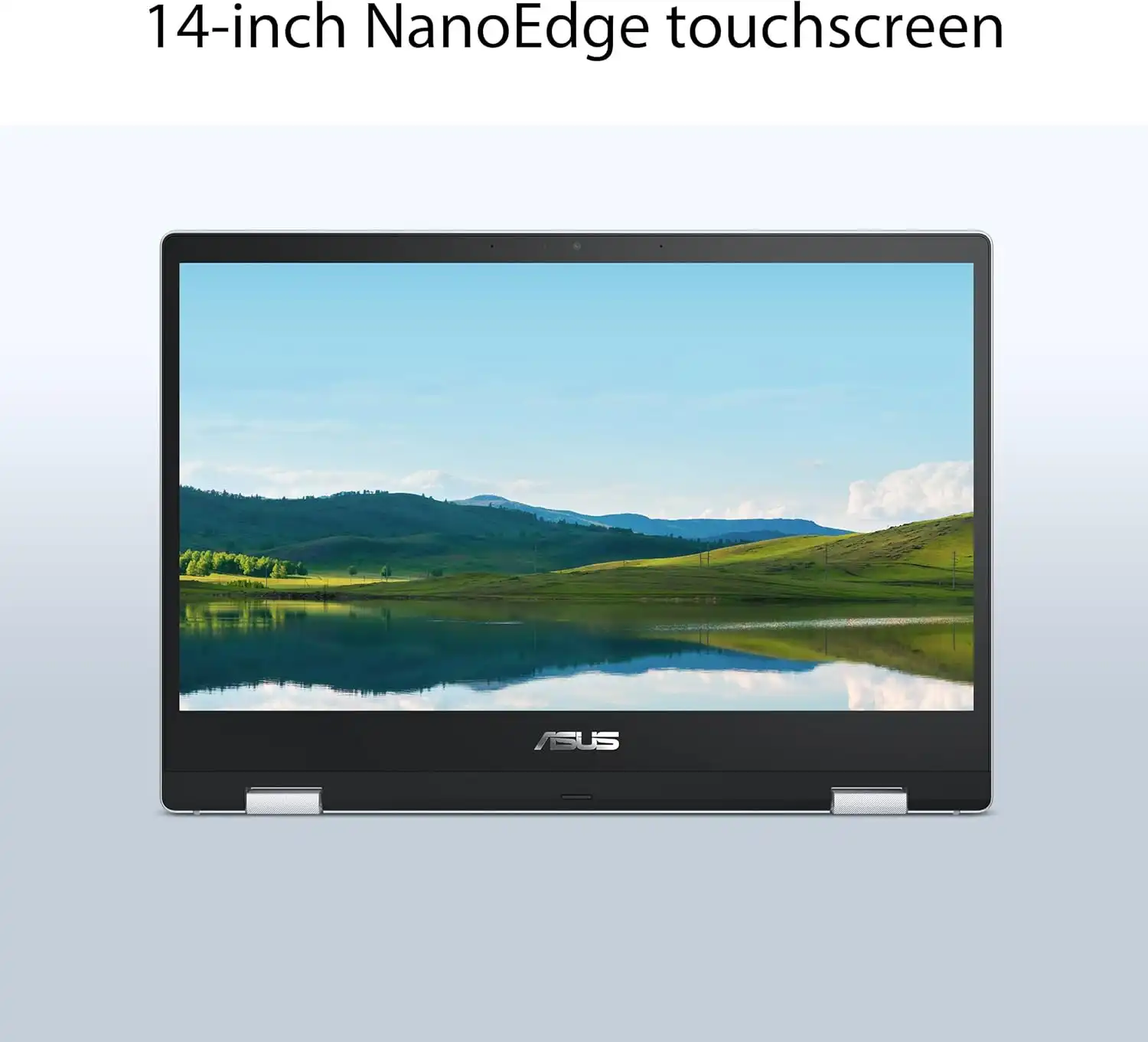
The 14-inch Full HD NanoEdge touchscreen is one of the Chromebook’s best features. Text is clear, colors look sharp, and the IPS panel keeps the screen visible from wide angles.
Students who read, watch videos, or take notes in tablet mode will find the touchscreen accurate and easy to use.
Performance: Does the N6000 Hold Up in 2025?
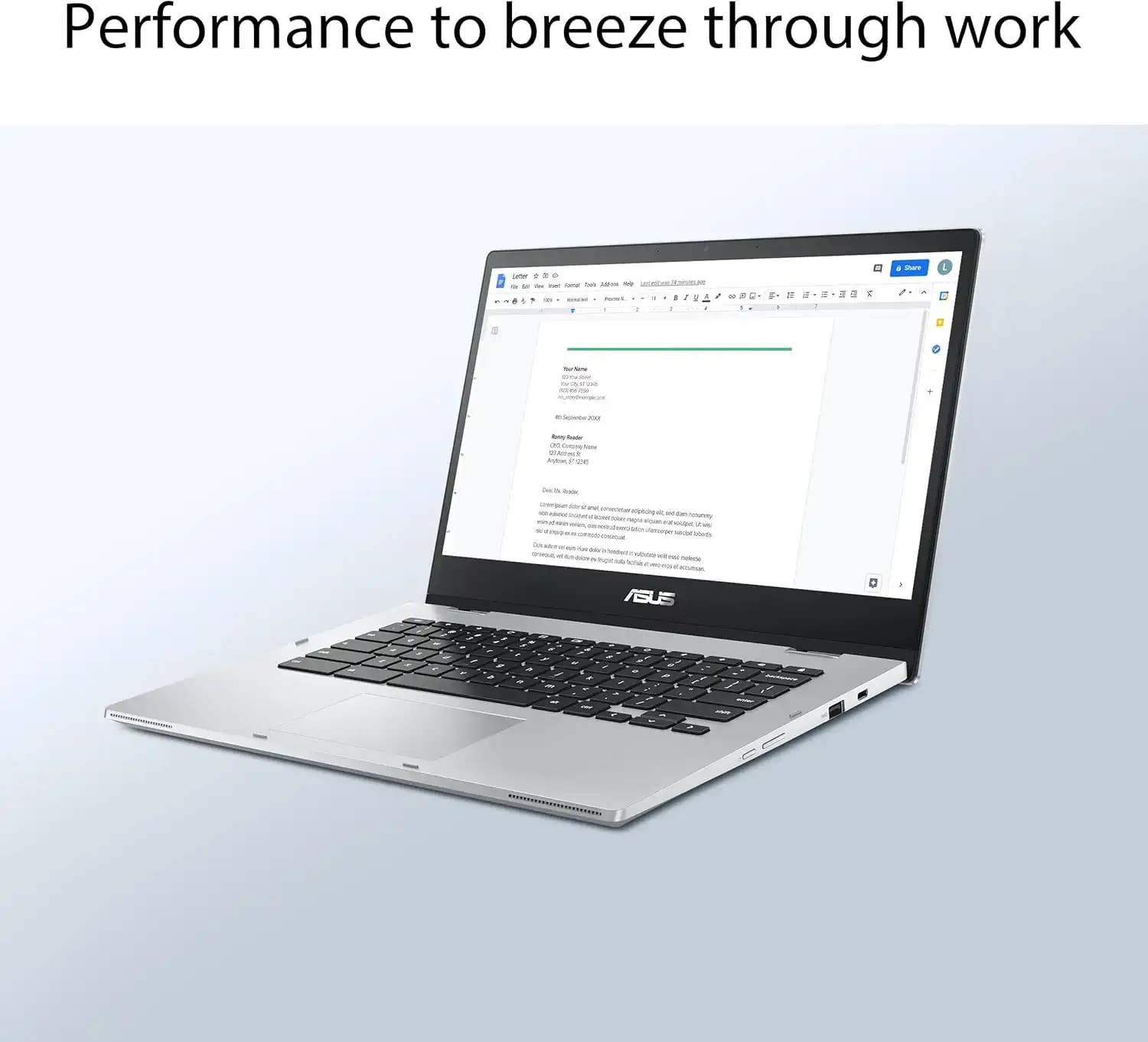
The quad-core Intel Celeron N6000 is not a performance chip, but it runs ChromeOS tasks smoothly:
Online classes
Google Docs, Sheets, Slides
YouTube streaming
10+ browser tabs
Basic photo editing
Android apps
The included 8GB RAM helps prevent slowdown when juggling several tabs or apps.
For coding, video editing, or large creative projects, the CPU will feel limited. This device is built for basic productivity, not heavy workloads.
Storage: 128GB eMMC + Cloud
The 128GB eMMC storage is enough for documents, school projects, and light app use. Students who store:
large videos
games
offline media libraries
may run out of room.
ChromeOS, however, integrates cloud storage well — and the CX1 includes a free 3-month Google One AI Premium Plan with 2TB storage.
This helps offset limited local space.
ChromeOS Experience (2025)
ChromeOS is even faster and more stable in 2025. Students benefit from:
automatic updates in the background
built-in antivirus
fast boot time (under 10 seconds)
Android app support
Linux app support (for coding and STEM courses)
tight Google Workspace integration
ChromeOS now includes improved offline access for Google Docs and Gmail, making it easier to work without Wi-Fi.
Connectivity: Strong Wireless + Updated Ports
This updated review uses your confirmed specs:
Wi-Fi 6 provides faster campus network speeds
Bluetooth 5.2 ensures stable connections to headphones and keyboards
Ports include:
USB-C (supports charging and display output)
USB-A
3.5mm audio jack
HDMI is not included, but USB-C can connect to most modern monitors.
Battery Life
The Flip CX1 typically lasts 8–10 hours, depending on screen brightness and active apps. Students can get through a full school day without keeping a charger in their bag.
ASUS Chromebook Flip CX1 for College Students
This laptop works well for:
online classes
note-taking (touch + 2-in-1 modes)
writing papers
research
video calls
watching lectures
cloud-based workloads
Students in majors like nursing, business, humanities, and general education will have no issues.
It is not ideal for engineering, architecture, graphic design, or gaming students.
Comparison: ASUS Chromebook Flip CX1 vs Budget Windows Laptops
| Feature | Chromebook Flip CX1 | Budget Windows Laptop (<$300) |
|---|---|---|
| Speed | Faster for web tasks | Slower due to weak Windows CPUs |
| Security | Automatic and built-in | Requires manual antivirus |
| Boot Time | ~10 seconds | 25–50 seconds |
| Battery | 8–10 hours | 5–7 hours |
| Software | Best for Google apps | Better for advanced programs |
| Maintenance | Low | Higher |
Students wanting simplicity should choose the CX1.
Students needing advanced Windows apps should choose a budget Windows model.
Who Should Buy the ASUS Chromebook Flip CX1
Best for:
Students (middle school, high school, college entry level)
Casual users
Remote workers
People who want a touchscreen 2-in-1
Users who rely on Google apps
Not ideal for:
Gamers
Video editors
Engineering students
Anyone needing Windows-only software
Pros and Cons
Pros
1080p touchscreen with 360° flexibility
Wi-Fi 6 + Bluetooth 5.2
Lightweight and portable
Good performance for everyday tasks
8GB RAM for smoother multitasking
Free 3-month Google One AI Premium Plan
Cons
128GB storage fills quickly
Not designed for heavy software
Celeron N6000 performance is limited for advanced workloads
Price and Value (2025)
At around $300–$370, this Chromebook offers strong value. Many 2-in-1 devices cost more despite similar performance.
Students on a budget will appreciate its speed, display quality, and ChromeOS simplicity.
Final Verdict: Is the ASUS Chromebook Flip CX1 Worth It?
Yes — for students and everyday users. The ASUS Chromebook Flip CX1 delivers reliable performance, a clear touchscreen, strong battery life, modern wireless support, and excellent value at its price point.
If you need a simple 2-in-1 laptop for schoolwork, browsing, video calls, and streaming, it fits well. If you need heavy performance or Windows-only apps, look elsewhere.

– is a trusted tech reviewer who dives deep into the world of computing, home appliances, TVs, digital gear, and software lifetime deals. With a sharp eye for performance and value, he helps readers and buyers make smarter decisions through honest, data-driven reviews. Whether it’s the latest gaming rig, a must-have productivity tool, or a hidden lifetime deal gem, Billy breaks it all down—so you get the best tech without the guesswork.
