
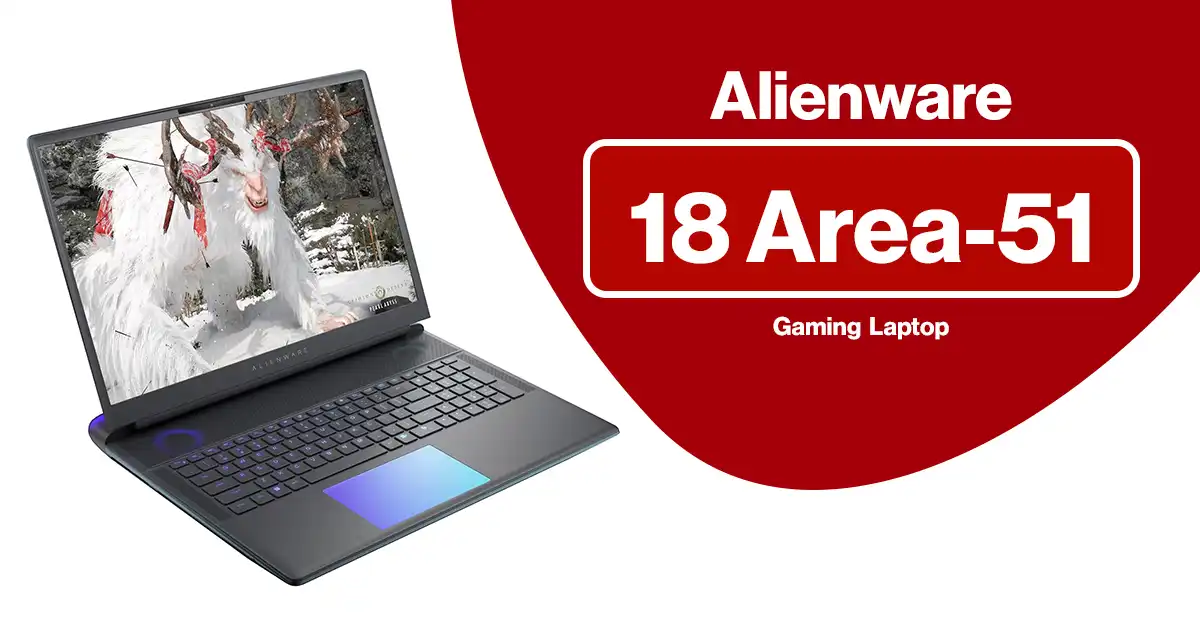
If you want a portable rig that feels closer to a full tower than a laptop, the Alienware 18 Area-51 gaming laptop is exactly that kind of machine.
In this Alienware 18 Area-51 review, I’ll walk through what this 18-inch monster actually delivers in real use: performance, thermals, screen quality, noise, and who should (and shouldn’t) spend this kind of money.
Most listings pair:
-
CPU: Intel Core Ultra 9 275HX (24 cores, up to 5.4 GHz)
-
GPU: NVIDIA GeForce RTX 5080 16GB GDDR7 (some higher configs step up to RTX 5090 24GB)
-
RAM: 64GB DDR5
-
Storage: 1TB or 2TB PCIe SSD (check your exact listing)
-
Display: 18″ QHD+ (2560×1600), 300Hz, 16:10, 500 nits, 100% DCI-P3, G-SYNC, Advanced Optimus
That spec sheet alone tells you this is not a casual machine. The real question is: does it feel worth the premium once you actually live with it?
Alienware 18 Area-51 Specs at a Glance
For SEO and quick scanning, here’s the core spec layout you’ll see on most Alienware 18 Area-51 gaming laptop listings:
Processor & Graphics
-
Intel Core Ultra 9 275HX, 24-core, 36MB cache, 2.7–5.4 GHz
-
NVIDIA GeForce RTX 5080 16GB GDDR7
-
Some higher-end configs: RTX 5090 24GB GDDR7
-
Memory & Storage
-
64GB DDR5 6400 MHz (2×32GB, user-upgradeable)
-
1TB or 2TB NVMe PCIe Gen4/Gen5 SSD (often one slot free for upgrades)
Display
-
18″ QHD+ 2560×1600 (16:10)
-
300Hz refresh, G-SYNC, Advanced Optimus
-
500 nits brightness, 100% DCI-P3 color coverage
Other hardware
-
Optional Cherry MX ultra low-profile mechanical keyboard with per-key AlienFX RGB
-
Wi-Fi 7 / 6E + Bluetooth (varies by config)
-
2.5Gb Ethernet
-
Thunderbolt 4 / USB-C, multiple USB-A, HDMI 2.1, Mini DisplayPort, audio jack, microSD, etc.
Software & power
-
Windows 11 Home or Pro (Amazon listings often mention Pro)
-
Some Amazon sellers bundle an “Office lifetime license” – treat that as a third-party add-on, not an official Microsoft offer
-
Large 330–360W power adapter
-
Battery: big capacity but tuned for performance, not all-day unplugged use
Design, Build, and Portability
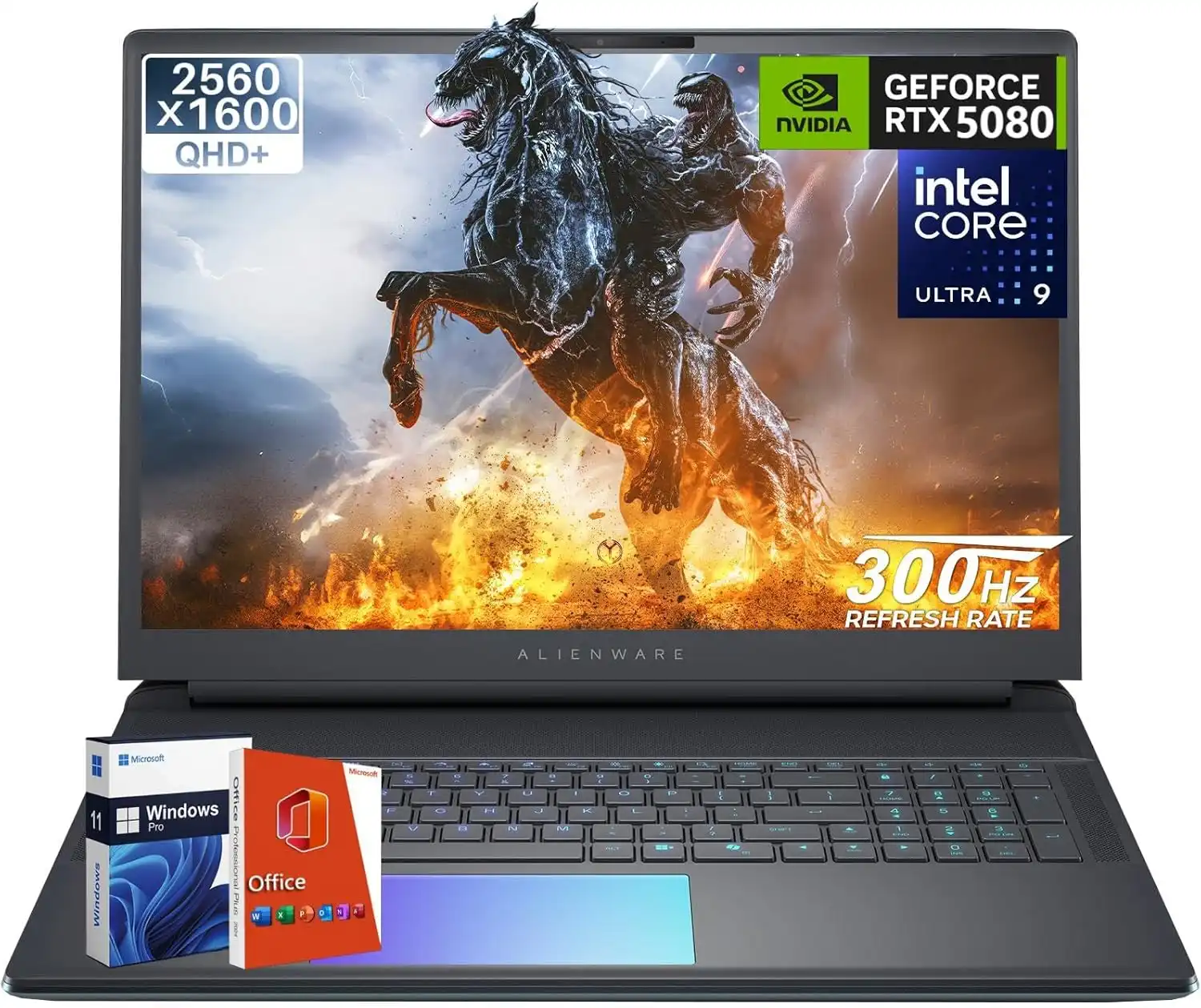
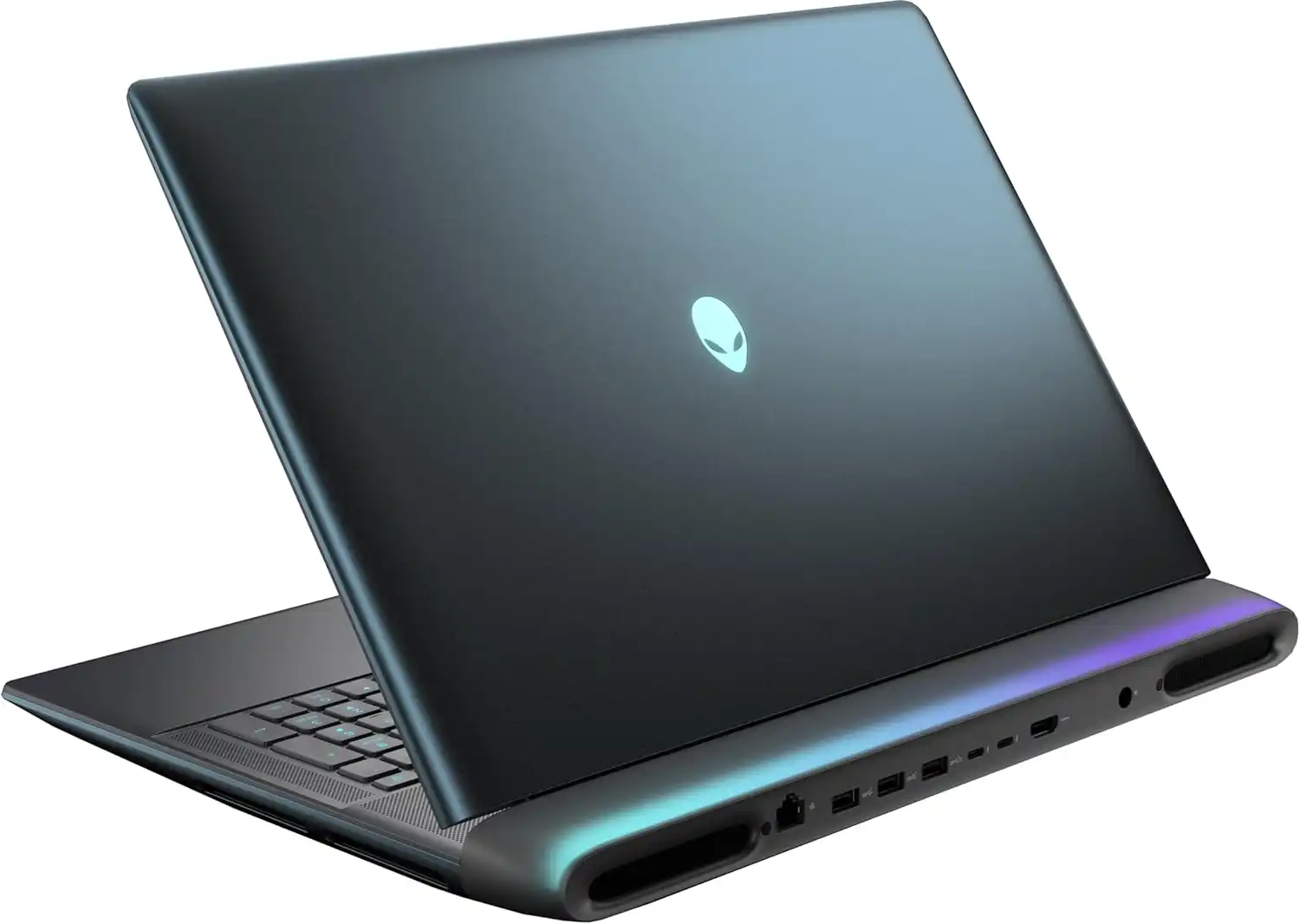
This is an 18-inch desktop replacement, not a slim travel laptop.
-
Chassis: angular Alienware styling, RGB zones, and a sturdy mix of metal and high-grade plastic
-
Size & weight: roughly 18-inch footprint, close to 10 lbs with the power brick in your bag
-
Build quality: hinges feel solid, base has very little flex, and the lid protects that 18-inch panel well
You can carry it between home, dorm, and office, though it feels more like moving a compact PC than a normal notebook. If you want something you can throw in a backpack daily without thinking about weight, this is not that type of system.
Display: 18″ QHD+ 300Hz With True Gaming Specs
On paper, the screen is one of the best parts of this Alienware 18 Area-51 review:
-
Resolution: 2560×1600 (16:10), which gives more vertical space than 16:9
-
Refresh rate: 300Hz with G-SYNC, great for competitive shooters
-
Brightness: up to 500 nits, usable in brighter rooms
-
Color: rated for 100% DCI-P3, so it covers a wide color gamut for creative work
Games look sharp and fluid, especially fast titles where 200+ FPS is realistic with the RTX 5080/5090. Movies and streaming content also look rich and smooth.
A few nuances:
-
Some reviewers point out that while color coverage is wide, factory calibration leans a little cool out of the box. You can tune this with ICC profiles if you care about color work.
-
The panel uses a non-OLED backlight, so contrast is good, not perfect-black-level good. For pure HDR movie watching, mini-LED or OLED rivals have an edge.
For gaming and mixed use, though, this panel hits a sweet spot: fast, bright, and wide-gamut with a very high refresh ceiling.
Performance: Intel Ultra 9 + RTX 50 Series
This section is where the Alienware 18 Area-51 gaming laptop justifies its price.
Gaming performance
With an Intel Core Ultra 9 275HX and RTX 5080 16GB GDDR7, you are sitting at the top of the mobile stack for most games. In independent testing on similar Area-51 18 configurations, reviewers see:
-
Triple-A titles at QHD+ on Ultra settings with triple-digit frame rates
-
Esports titles easily hitting the panel limits (200–300 fps)
-
Ray tracing workloads that normally bog down mid-range GPUs staying smooth, especially with DLSS 3.5 frame generation turned on
If you step up to the RTX 5090 option, you gain more headroom for upcoming games at max settings and heavy ray tracing.
Productivity and content creation
The 24-core Ultra 9 and 64GB of DDR5 make this a monster for:
-
4K video editing and color grading
-
3D work in Blender, Maya, Unreal Engine
-
Heavy multitasking: streaming + gaming + multiple browsers and apps open
The 1TB/2TB PCIe SSDs hit very high sequential and random speeds, so project load times and game launches feel snappy.
Cooling, Noise, and Power Draw
Raw power only matters if the cooling system can keep up. Alienware uses a large chassis to house:
-
Vapor chamber cooling and multiple heat pipes
-
Quad-fan layout with high airflow
-
Separate paths for CPU and GPU exhaust in many configs
In practice from user reports and third-party reviews:
-
Thermals: CPU and GPU stay in check even in longer gaming runs, with less thermal throttling than many thinner machines
-
Noise: under load, fans are clearly audible and can get loud, though the tone is more “whoosh” than high-pitched whine
-
Surface temps: palm rest and WASD zone stay usable, while upper deck and rear vents get warm or hot as expected on a big gaming rig
This laptop strongly prefers to sit on a desk with room for intake and exhaust. On soft surfaces, temps climb faster and fans ramp harder.
Keyboard, Trackpad, and Ports: Alienware 18 Area-51 Gaming Laptop Review
Keyboard options
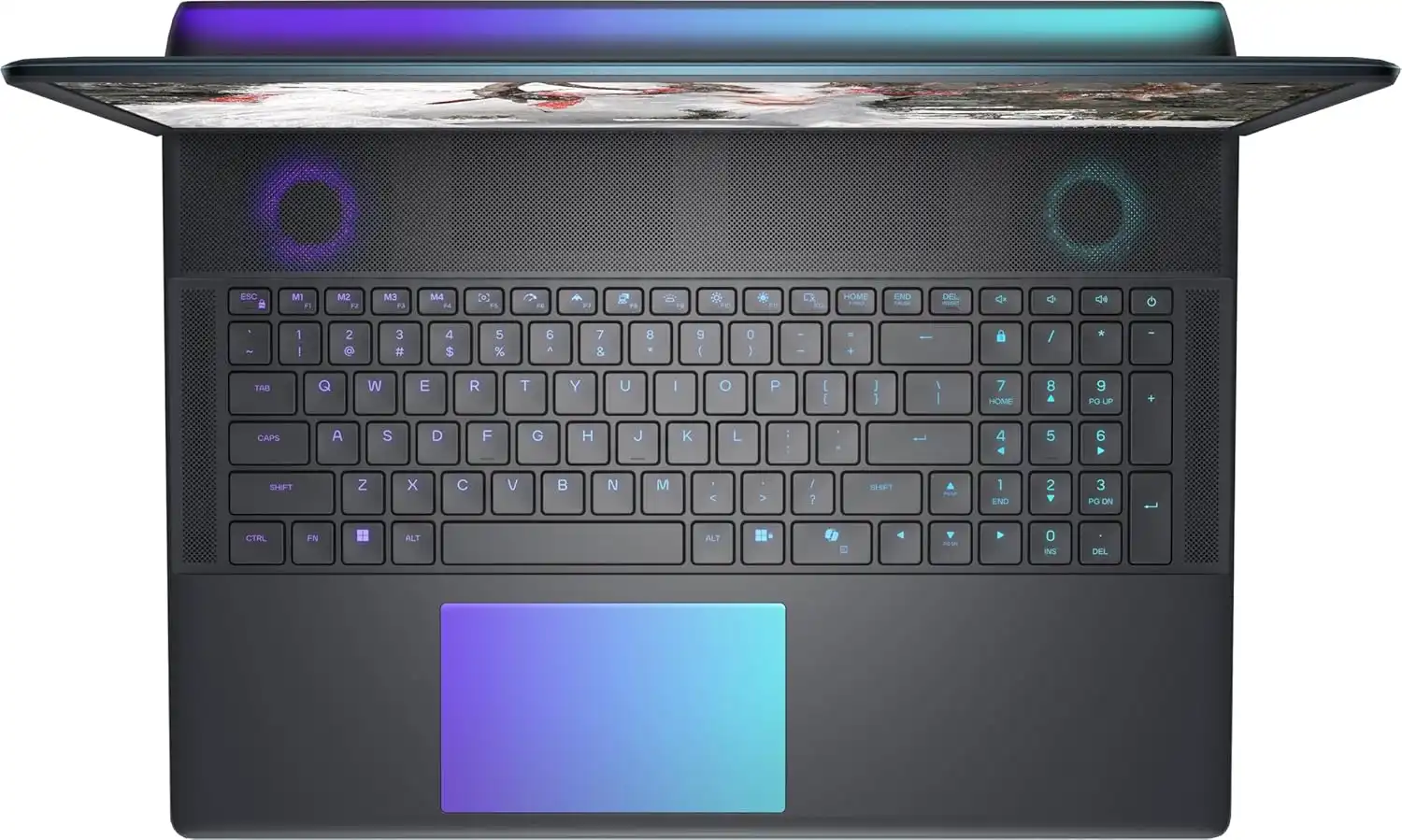
Two keyboards show up in listings:
-
Standard Alienware membrane keyboard with per-key AlienFX lighting
-
Optional Cherry MX ultra low-profile mechanical keyboard with a crisper, clickier feel and longer lifespan
For long gaming sessions or typing, the Cherry MX option feels great. Travel is shallow compared to a desktop board but more precise than typical laptop keys.
Trackpad
-
Large glass surface
-
Precise tracking and smooth gestures in Windows 11
-
Gamers will still reach for a mouse, though the pad is fine for everyday work
Ports and connectivity
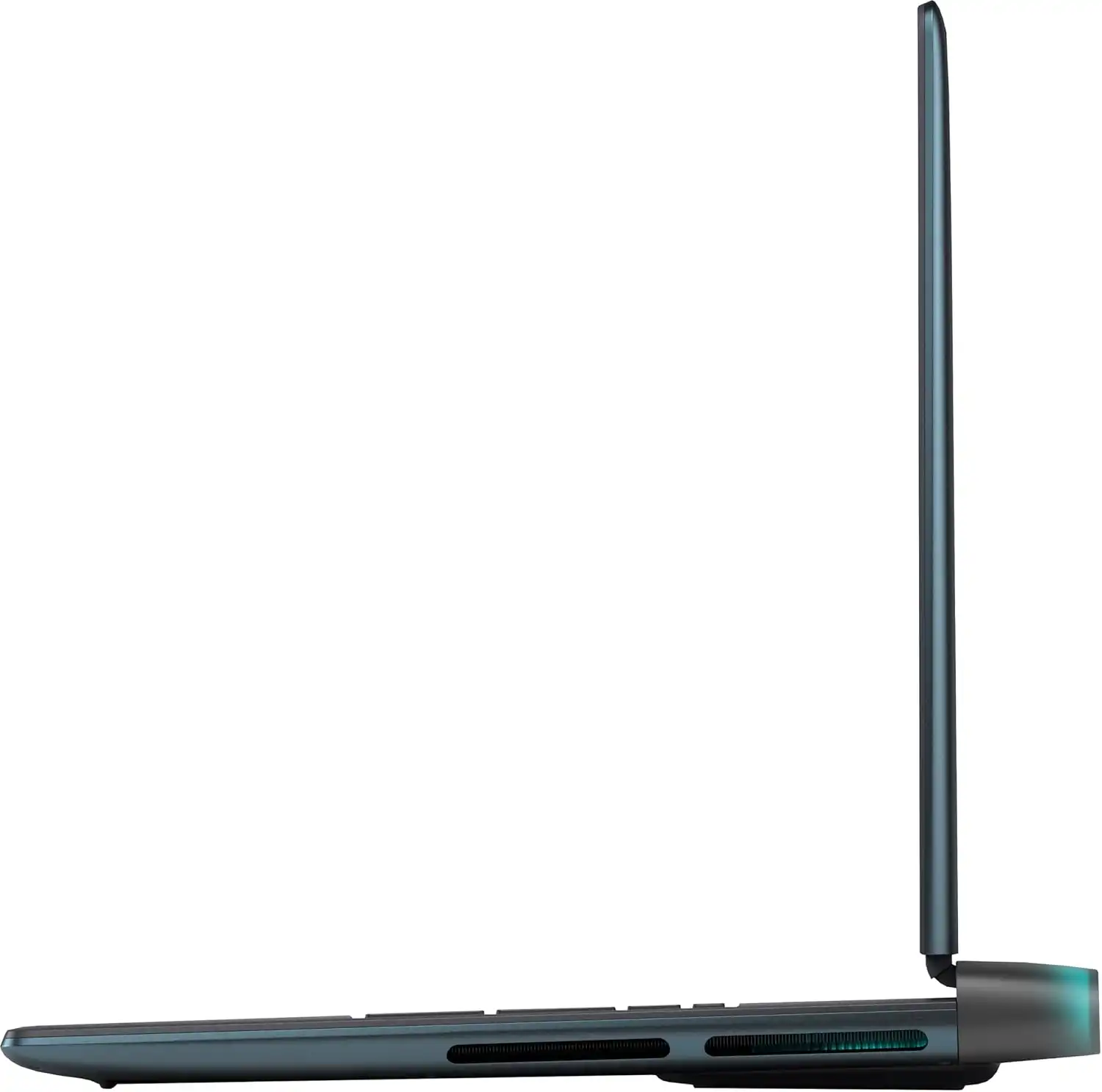
You get a full spread, including:
-
Thunderbolt 4 / USB-C
-
Multiple USB-A ports
-
HDMI 2.1 and mini DisplayPort for external high-refresh monitors
-
2.5Gb Ethernet for wired gaming
-
Headphone/mic jack and microSD reader
For a big chassis, port selection is solid. Cable management still takes some planning since many cables will live on the sides and back.
Battery Life and Everyday Use
Let’s be direct: this is not a long-lasting unplugged laptop.
-
Light web / office use: a few hours if you keep brightness moderate and let Advanced Optimus switch to integrated graphics
-
Gaming on battery: usually well under two hours, often far less once you push the GPU
This system is built to run plugged in with its large power brick. Think of battery as a convenience for short moves between rooms or quick sessions away from an outlet, not as an all-day mobile workstation.
Pricing, Configs, and “Office Lifetime” Bundles
Pricing shifts often, but at the time of writing:
-
Dell’s own Alienware 18 Area-51 configs with Ultra 9 + RTX 5090 + 2TB SSD sit roughly in the $3,500–$4,500 range depending on RAM and storage. Dell Store
-
Third-party sellers on Amazon and other sites list custom configs with RTX 5080 and 1TB SSDs in a similar band, sometimes higher once you factor in 64GB RAM and “lifetime Office” bundles.
A few quick notes for buyers:
-
Always double-check the exact GPU (5080 vs 5090) and SSD size (1TB vs 2TB) on the product page.
-
“Microsoft Office lifetime license” from marketplace sellers typically means a gray-market key, not a standard Microsoft retail license. Treat that as a bonus at best, not a deciding factor.
You are paying a premium, but you are getting some of the fastest mobile hardware on the market with a huge, high-refresh display and strong cooling.
Pros and Cons (Short Version)
Pros
-
Top-tier performance with Intel Ultra 9 and RTX 50-series GPUs
-
18″ QHD+ 300Hz display with G-SYNC, 500 nits, and wide color coverage
-
64GB DDR5 and fast NVMe storage out of the box, upgradeable later
-
Advanced cooling that keeps performance high over long sessions
-
Optional Cherry MX keyboard feels great for gaming and typing
-
Plenty of ports, 2.5Gb Ethernet, and modern Wi-Fi
Cons
-
Heavy and bulky; best treated as a semi-portable desktop
-
Battery life is short once you push the hardware
-
Fans get loud under sustained load
-
Screen quality is strong but still short of OLED contrast for movie lovers
-
Price sits in the premium tier, far beyond what casual gamers need
Who Should Actually Buy the Alienware 18 Area-51?
This Alienware 18 Area-51 review really comes down to fit.
Pick this machine if:
-
You want desktop-class power in a single system you can still move around the house or between locations
-
You play modern games at high or ultra settings and want triple-digit FPS on a big, fast panel
-
You create content (video, 3D, streaming) and want one machine that can handle both gaming and heavy work
-
You value build quality, RGB flair, and a distinct “flagship” feel
Look at something else if:
-
You care more about portability and battery life than raw power
-
You only play lighter esports titles and don’t need an RTX 5080/5090
-
You need perfect color accuracy and contrast for film-grade work; OLED or mini-LED creator laptops fit that niche better
Our Verdict on the Alienware 18 Area-51 Gaming Laptop
The Alienware 18 Area-51 gaming laptop feels like a desktop tower folded into a hinged shell. It crushes modern games, flies through creative workloads, and backs that up with a fast 18-inch QHD+ 300Hz display and a serious cooling design.
You give up portability, quiet operation under load, and a sizable chunk of cash. In return, you get one of the most powerful mobile gaming platforms available right now, plus room to upgrade RAM and storage down the line.
If you want a no-compromise gaming and creation machine and plan to keep it near a wall outlet most of the time, this rig earns its place on a short list of true halo laptops.

– is a trusted tech reviewer who dives deep into the world of computing, home appliances, TVs, digital gear, and software lifetime deals. With a sharp eye for performance and value, he helps readers and buyers make smarter decisions through honest, data-driven reviews. Whether it’s the latest gaming rig, a must-have productivity tool, or a hidden lifetime deal gem, Billy breaks it all down—so you get the best tech without the guesswork.
